
Practical AI Development
& Implementation
Your Six-Week AI Implementation
A standard engagement turns one agreed starting point into a working system your team uses every day. Here is what it includes.

One Organized Workspace
A company knowledge workspace, built in Notion where appropriate.

Three AI Assistants
Configured around your approved business information.

Three Agreed Workflows
Workflows chosen and agreed with you before the build begins.

Six Working Sessions
Six working sessions with your team over six weeks.

Realistic Testing
Assistants and workflows are tested with realistic examples.

Training & Handoff
Employee training, documentation, and a clear handoff.

30 Days of Stabilization
Thirty days of stabilization, beginning the day after acceptance.

Optional Ongoing Support
Ongoing support is available after stabilization, if you want it.
What we need from your team
- Appoint an internal owner for the project
- Provide approved company information
- Attend the six working sessions
- Test the system between sessions
What is not included
Software subscriptions and AI usage are separate costs.
Custom applications, complex integrations, private environments, and regulated-data requirements need separate scope and pricing.
Start with
the right problem.
Identify where AI or automation may help—and what needs to be prepared first. We review a selected process, the information behind it, and the outcome you want to improve. The assessment creates a clear starting point for deciding what to build.
- Process and workflow review
- AI and automation opportunities
- Information and knowledge review
- Bottleneck identification
- Recommended first project
- Practical next steps

Build AI around
the work your team actually does.
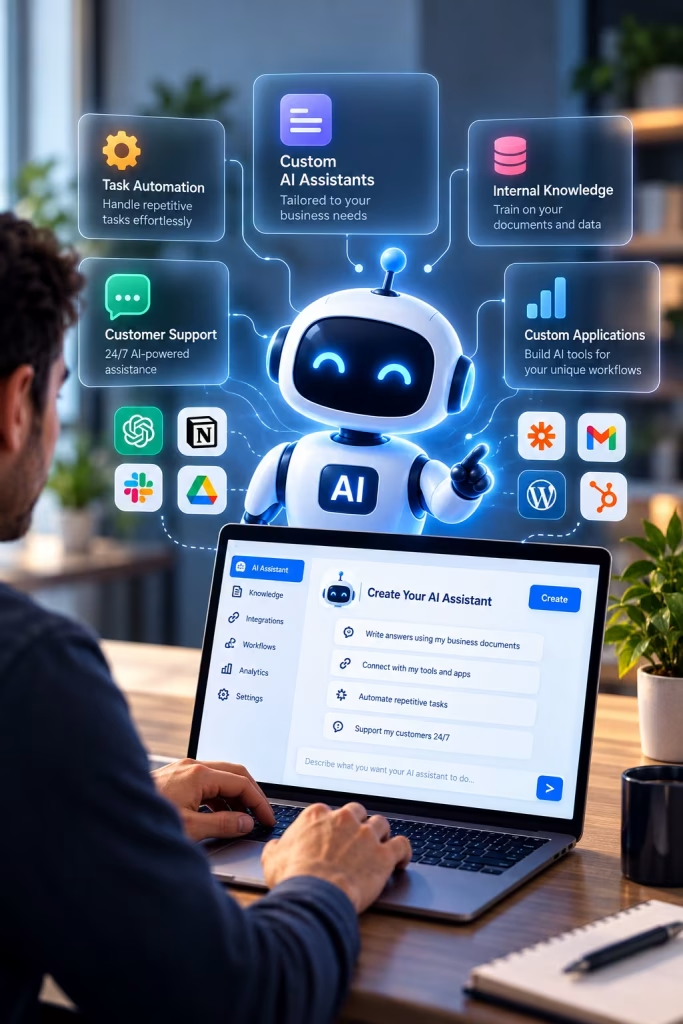
We build assistants and focused applications around defined business tasks. Examples include finding answers in approved procedures, preparing proposal drafts, summarizing project information, and creating onboarding briefs.
We define the instructions, sources, and review steps with your team so the system fits the way the work gets done.
- AI assistants
- Focused business applications
- Knowledge-based Q&A
- Proposal and document drafting
- Project summaries
- Onboarding support
Turn scattered information into something people can use.
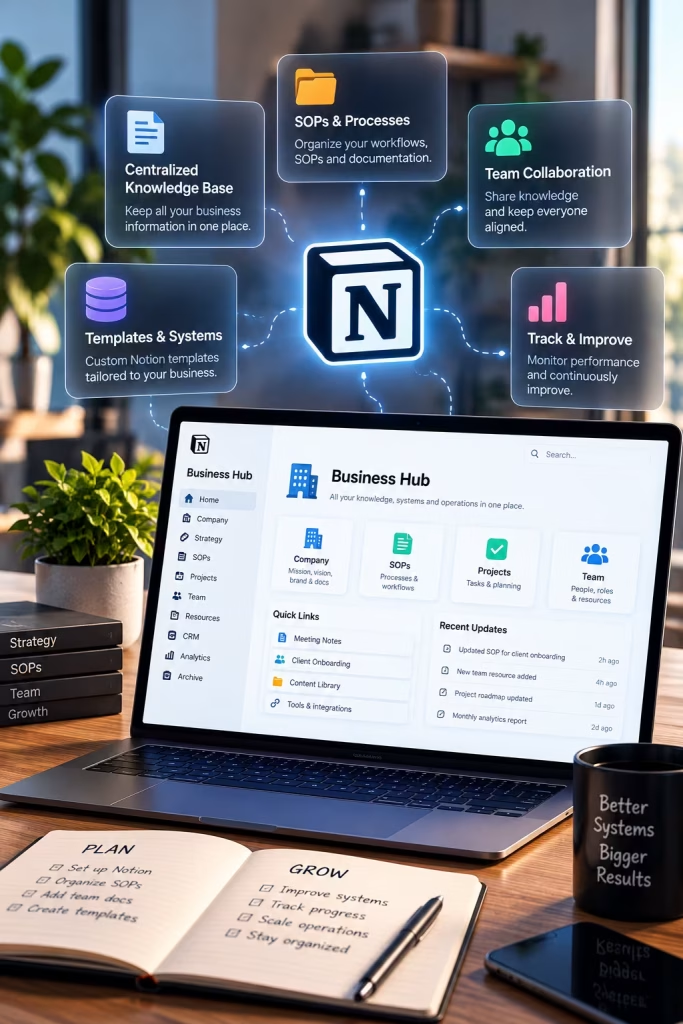
Organize procedures, client information, project records, and task ownership so your team can find what they need. Where Notion fits, we can use it as a shared workspace for knowledge and work. We choose the structure around your process and keep specialist tools where they remain useful.
- Business knowledge organization
- Procedures and documentation
- Client and project information
- Task ownership and responsibilities
- Shared workspaces
- Notion-based systems
From customer notes
to a reviewed project brief.
An illustrative Notion example using a fictional business. It shows how scattered customer notes become an organized project brief or proposal draft, which an employee reviews before anything is sent.
01 Customer notes
Call notes, emails, and requirements are collected in one Notion workspace.
02 Organized draft
The assistant turns those notes into a structured project brief or proposal draft.
03 Employee review
A team member checks, edits, and approves the draft before it is used.
Notion workspace demonstration coming soon.
Connect the tools you already use.
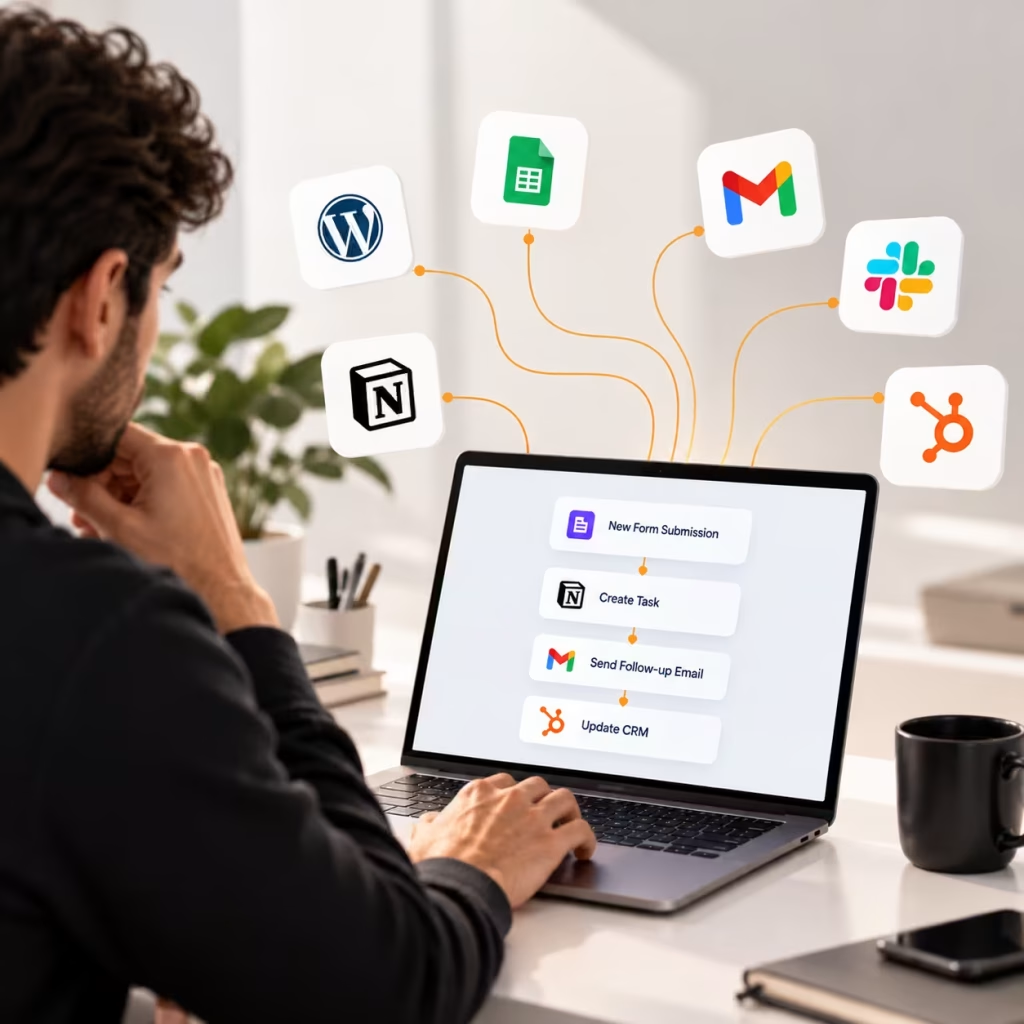
Connect tools and reduce manual handoffs between systems. A workflow might create a task after an approved intake, prepare a follow-up draft, or move agreed information between systems.
We check what each connection supports and test what should happen when information is missing or an action fails.
- Workflow automation
- Tool integrations
- Automated task creation
- Follow-up preparation
- Information transfer between systems
- Error and exception handling
Make sure your team can use what you build.
- Team training
- AI output review
- System handoff
- Knowledge maintenance
- Ongoing questions and support
- Minor improvements and maintenance

The technology comes after
understanding the work.
Before implementation, we define the working environment, access needs, human review, and success measures.

Requirements
Understand the work, people, tools, and information involved.

Access
Identify what systems and information the solution needs to work with.

Human Review
Define where people should review, approve, or make decisions.
Success Measures
Agree on what improvement should look like and how it can be measured.
Clear scope.
Clear costs.
Know what you’re building — and what it will take.
Implementation is scoped around the agreed deliverables and complexity. Software subscriptions, AI usage, and any ongoing support are identified separately so you can understand the full cost before moving forward.
Scope
Defined deliverables, requirements, and implementation needs.
Costs
Clear separation of project, software, AI usage, and support costs.

Questions before
you get started?
A few answers about how we approach AI projects, implementation, and ongoing support.
What types of organizations do you work with?
Our main focus is businesses with recurring administrative work, scattered information, or processes that depend too heavily on manual follow-up, such as service businesses, contractors, agencies, and consultants. We also welcome conversations with enterprise, federal, and tribal organizations.
Do we need to know exactly what AI solution we want?
No. Many projects start with an AI assessment. We review a selected process, the information behind it, and the outcome you want to improve, then recommend a practical first project.
Do you build custom AI solutions?
Yes. We build AI assistants and focused business applications around defined tasks, and we define the instructions, sources, and review steps with your team.
Can you work with our existing tools?
Yes. We connect the tools you already use, check what each connection supports, and keep specialist tools where they remain useful.
How do you handle sensitive business information?
Before implementation, we define the working environment, access needs, and where people should review or approve outputs. Projects involving private environments or additional organizational requirements are scoped individually.
How much does an AI project cost?
Cost depends on the process, the information involved, and the tools the solution needs to work with. An AI assessment helps define a clear first project, so scope can be agreed before anything is built.
Do you provide training after implementation?
Yes. We help employees use the system, review AI outputs, and keep the underlying information current. Training and handoff are part of the agreed implementation scope.
What's the first step?
Request an AI Assessment. Send us an inquiry describing the process you want to improve, and we will discuss whether an assessment is the right place to start.